
Multi-Factor Authentication (MFA) Services

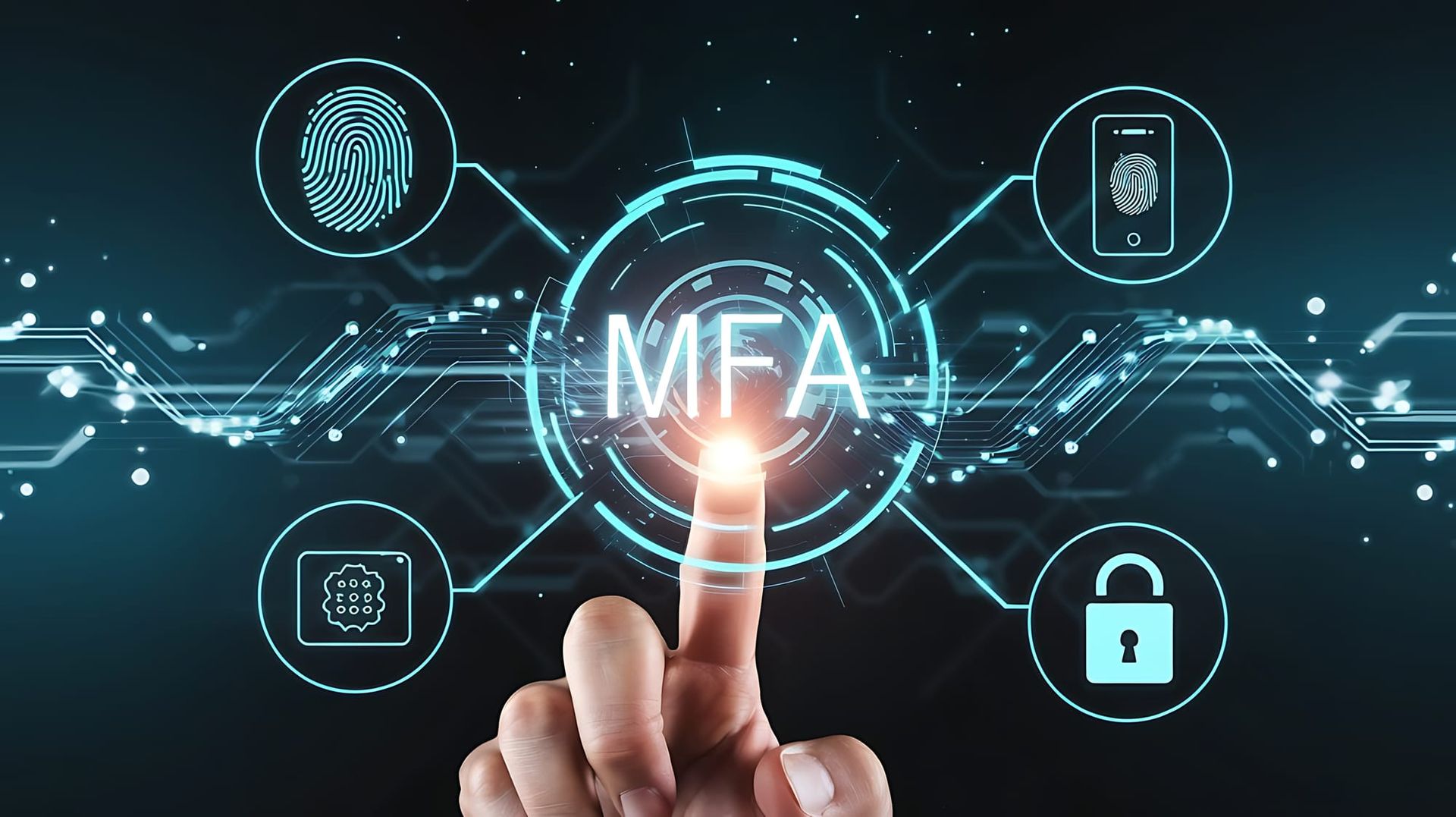
Multi-Factor Authentication (MFA) Services
Passwords alone are no longer enough.
Most cyberattacks today do not rely on breaking into systems. They rely on logging in using compromised credentials. Phishing, password reuse, and data breaches have made it easier than ever for attackers to gain access without triggering traditional security tools.
Multi-Factor Authentication, or MFA, adds a critical layer of protection by requiring users to verify their identity beyond just a password.
MORSECOM provides MFA solutions that strengthen security while maintaining a seamless user experience across your organization.
What Is Multi-Factor Authentication
Multi-Factor Authentication requires users to verify their identity using two or more factors:
- Something they know, such as a password
- Something they have, such as a mobile device or authentication app
- Something they are, such as biometric verification
Even if a password is compromised, MFA helps prevent unauthorized access by requiring an additional form of validation.
Why MFA Is Critical for Modern Security
Credential-based attacks are one of the most common causes of security incidents.
Without MFA, a stolen password can provide direct access to:
- Email systems
- Cloud applications
- Financial platforms
- Internal networks
- Customer data
MFA significantly reduces this risk by adding a second layer of defense.
For most organizations, enabling MFA is one of the fastest and most effective ways to improve security posture.
Where MFA Should Be Applied
MFA should not be limited to a single system. It should be applied across all critical access points.
Common use cases include:
- Microsoft 365 and cloud platforms
- Remote access and VPN connections
- Email and collaboration tools
- Administrative and privileged accounts
- Line of business applications
- Remote desktop and virtual environments
Consistent enforcement ensures that all entry points are protected.
Flexible Authentication Methods
Modern MFA solutions support multiple authentication methods to balance security and usability.
Mobile App Authentication
Push notifications or one-time codes delivered through secure authentication apps.
SMS and Voice Verification
Text or voice-based verification for users who require simple access methods.
Biometric Authentication
Fingerprint or facial recognition for supported devices.
Hardware Tokens
Physical authentication devices for high-security environments.
Organizations can select methods based on user roles, risk levels, and operational needs.
Integration with Identity and Directory Services
MFA works best when integrated with identity platforms and directory services.
MORSECOM helps organizations implement MFA alongside:
- Single Sign-On environments
- Directory services and identity frameworks
- Role-based access controls
- Conditional access policies
This creates a unified approach to authentication and access management.
Balancing Security and User Experience
Security controls should protect users without creating unnecessary friction.
Modern MFA solutions are designed to be:
- Quick and easy for users to approve
- Adaptive based on risk and location
- Integrated into existing workflows
- Consistent across devices and platforms
When implemented correctly, MFA improves security without slowing productivity.
Supporting Compliance and Risk Reduction
Many regulatory frameworks and cyber insurance policies now require Multi-Factor Authentication.
Implementing MFA helps organizations:
- Meet compliance requirements
- Reduce audit risk
- Strengthen access controls
- Demonstrate security best practices
It is often one of the first controls evaluated during security assessments.
Supporting Organizations Nationwide
MFA is essential for both local and distributed environments.
MORSECOM supports organizations throughout Florida and delivers identity and access solutions for multi-location and nationwide businesses. Whether users are onsite or remote, MFA ensures secure access across all environments.
Frequently Asked Questions
What is Multi-Factor Authentication?
MFA is a security method that requires users to verify their identity using more than one factor, such as a password and a mobile device.
Why is MFA important?
MFA helps prevent unauthorized access even if a password is compromised.
Does MFA stop phishing attacks?
MFA significantly reduces the effectiveness of phishing by requiring an additional verification step beyond stolen credentials.
Is MFA difficult for users to adopt?
Modern MFA solutions are designed to be simple, often using mobile prompts that take only seconds to approve.
Where should MFA be implemented?
MFA should be applied to all critical systems including email, cloud platforms, remote access, and administrative accounts.
Can MFA integrate with Microsoft 365?
Yes. MFA integrates directly with Microsoft environments and other cloud platforms.
Do you support organizations outside of Florida?
Yes. MORSECOM supports organizations throughout Florida and provides MFA solutions nationwide.
Strengthen Access with a Simple, Powerful Control
Receive email updates on news, ideas, products and services.